Add the one holding on and the one who turned. A partner, a parent, a best friend or a pet all work. Pick the memory, choose a length, and ZombieTrend AI films the whole story with sound.
Every zombie AI video plays out in the same four beats, as one continuous clip with sound.
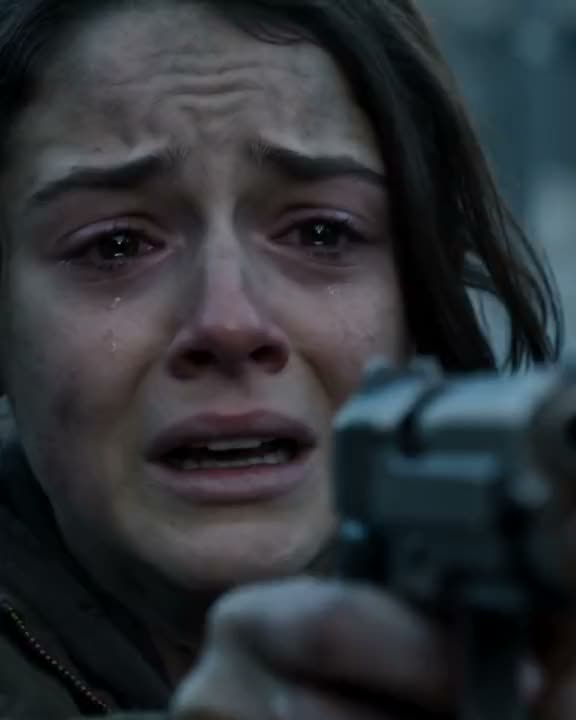
Aim
The survivor raises a pistol with shaking hands. Tears, smoke, a dead street.
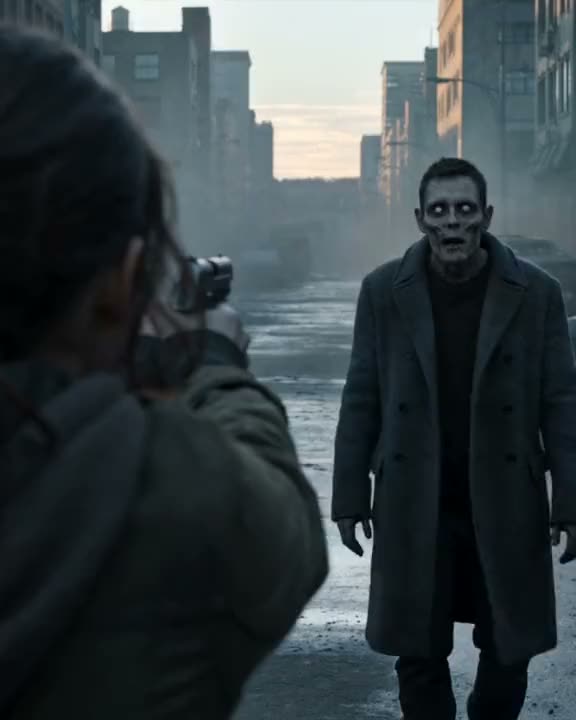
Recognise
The one who turned stops, tilts their head and seems to remember a name.
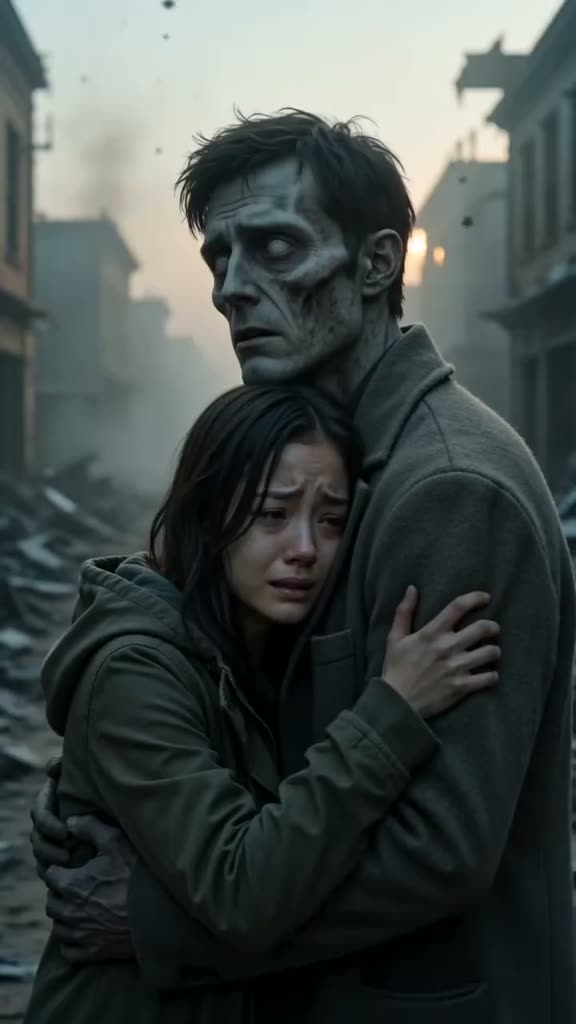
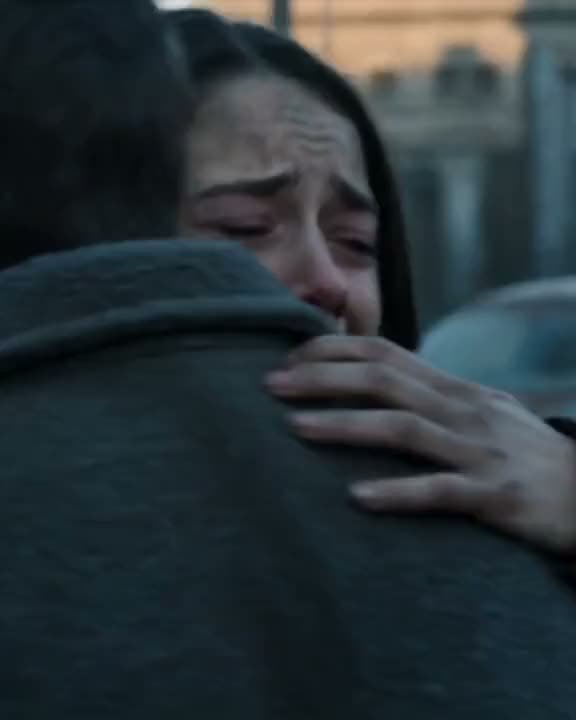
Hug
The gun comes down. Instead of biting, they pull the survivor close.
Remember
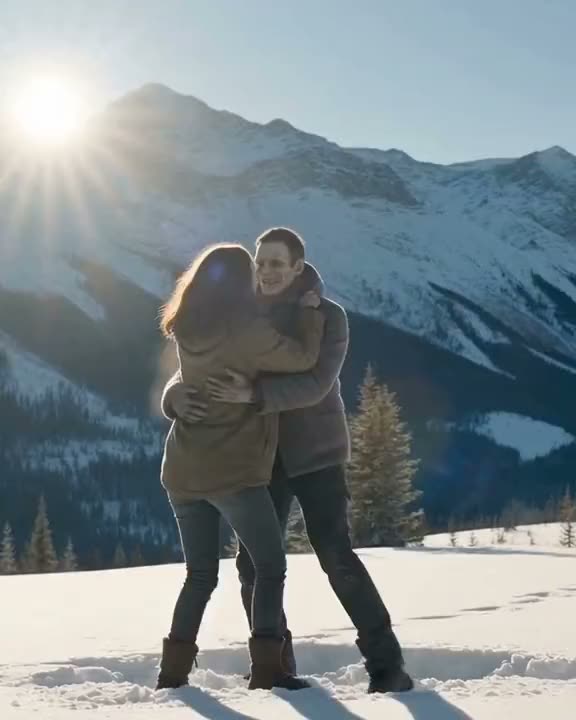
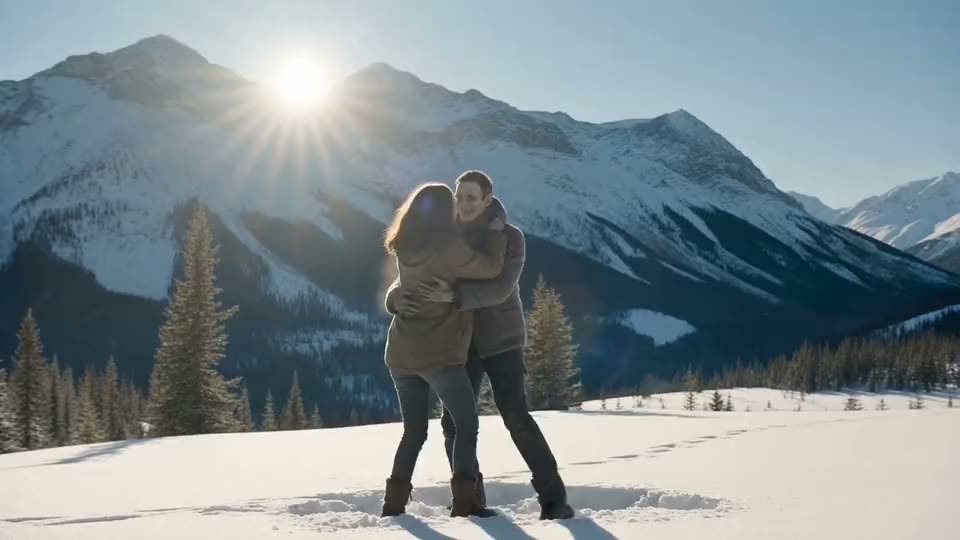
Hard cut to sunlight: both of you healthy, laughing, on the day you picked.
What is ZombieTrend AI?
ZombieTrend AI is an online generator for the AI zombie trend, the short film format also known as the Zombie Love Story or the AI zombie hug. It took over TikTok in late September 2026 and reached Instagram Reels and YouTube Shorts within days. Zombie trends come and go, but this one stuck because it is a love story, not a horror clip. In every version, someone you love has turned into a zombie, you cannot pull the trigger, and the clip cuts to a warm memory of the two of you.
Most people make these clips by following a tutorial: one prompt for the zombie scene, another for the flashback, then stitching both together in CapCut, Dreamina or PixVerse. ZombieTrend AI replaces that whole workflow. You upload two photos, and it builds the zombie scene with GPT Image 2 and films the full four-beat story in one continuous Seedance 2.0 clip, sound included.
"Twelve seconds is enough for all four beats: the aim, the pause, the hug and the memory."
Because the second photo also drives the flashback, the person who turned looks like themselves twice: grey and clouded in the dark, then healthy and smiling in the sun. That contrast is why the trend makes people cry in the comments, and it is the part ZombieTrend AI is tuned to get right.
ZombieTrend AI runs in any browser on phone or desktop. There is no app to install and no template to hunt for, and every clip comes out vertical, ready to post.
How it works
How to make a zombie hug video with ZombieTrend AI
Add two photos
First the one holding on, then the one who turned. Front-facing, good light, whole head in frame. The second photo becomes the zombie and their healthy self in the flashback.
Pick the memory
Choose where the story ends: a sunny picnic, a sunset beach, your wedding. Add one detail only you two would know, like an anniversary or a favourite scarf.
Preview free, then film it
See the zombie scene free, no sign-up. Happy with it? Pick 8, 12 or 15 seconds and we film the story with sound. Twelve seconds fits all four beats.
Ideas
Zombie love story ideas for couples, dogs and cats
The trend hits hardest when the flashback is real. Pick the person, or the pet, whose memory would make you lower the gun.
Anniversary partner
Make your partner the one who turned and set the memory to the day you met. Post it on your anniversary and tag them. Long-distance couples can use photos taken years and countries apart.
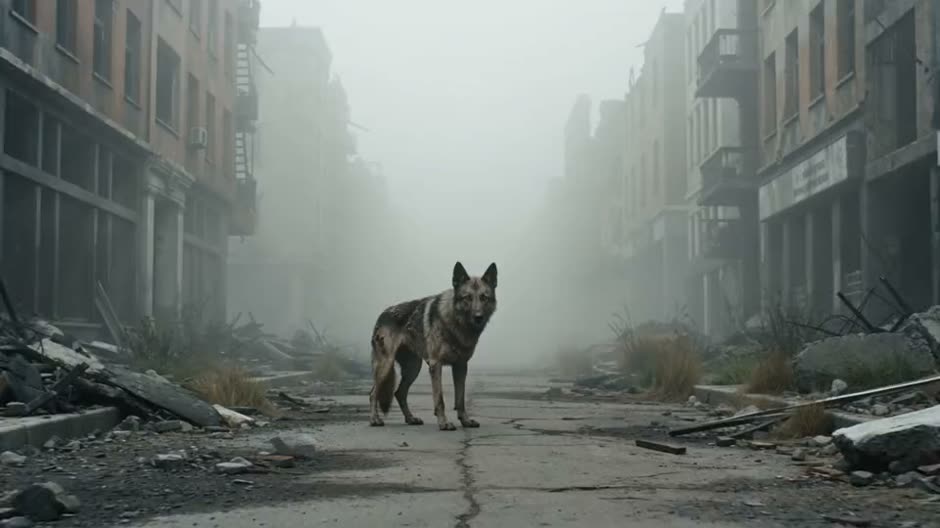
Your dog, still a good boy
Pet versions are the most shared. A zombie dog that walks up and leans into you, then a memory of fetch in the park.
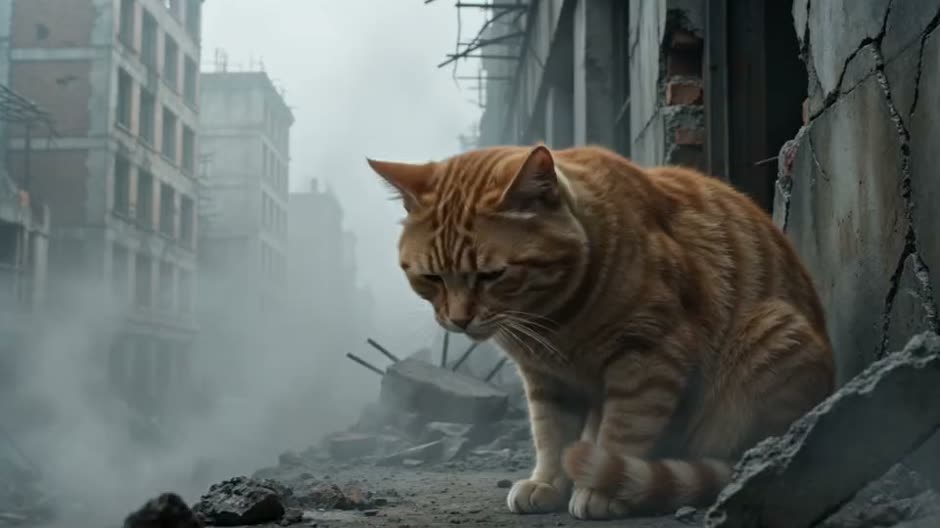
The cat who came back
Cats with clear markings stay the most recognisable. Use a sharp, front-facing photo with both eyes visible.
ZombieTrend AI or a tutorial?
By hand, from a tutorial
With ZombieTrend AI
Write a zombie prompt and a flashback prompt
Two photos and one button
Generate in two tools, often two accounts
One continuous clip with all four beats
Faces drift between the clips
The same face in the zombie and the memory
Stitch and time it in CapCut
Sound included, ready in about three minutes
The zombie AI trend prompt
Prefer to try it in Dreamina, Kling or Veo? This is the four-beat structure ZombieTrend AI uses. Attach the survivor photo first and the one who turned second, then paste it as the video prompt.
Keep the "no blood, no gore" line. Most video models refuse violent scenes, and the trend works because it is tender, not scary. Change only the flashback line to make it yours.
Three checks before you spend credits
Clear faces
Sharp, front-facing photos in even light. Skip sunglasses, heavy filters and group shots. For pets, shoot at eye level.
Right order
Photo one is always the survivor with the gun. Photo two turns, then appears healthy in the flashback.
Watch before posting
Check both faces, the hug and the flashback. If a face drifts, try a clearer photo or a shorter length.
Emotional 12-second post-apocalyptic short film, vertical 9:16, cinematic and realistic. The person in image 1 is the survivor; the person in image 2 has turned into a zombie with pale grey skin and clouded white eyes but is still clearly recognizable.
Beat 1: close-up of the survivor raising a pistol with shaking hands, tears on their face, on a dark ruined street with smoke.
Beat 2: the zombie staggers closer, then stops and tilts its head, recognizing them.
Beat 3: the survivor lowers the gun; the zombie gently hugs them instead of biting, and the survivor hugs back, crying.
Beat 4: hard cut to a warm sunny flashback of the same two, both healthy and human, laughing together on a picnic blanket in a green park. Golden light, film grain, slow motion.
Keep both faces consistent. No blood, no gore, no text. Soft emotional piano score, no dialogue.
ZombieTrend AI pricing
Buy credits once — no subscription. Credits are spent only when you generate a zombie video.
8s video = 580 credits · 12s = 860 · 15s = 1,070
If a video fails to generate, its credits are refunded automatically.
Single Video
$5.9
One 8-second zombie love story
590 credits
Zombie videos: 1 × 8s
Vertical HD MP4 with audio
No subscription
Popular
Starter Pack
$10.9
One video of any length, up to 15 seconds
1,090 credits
Zombie videos: 1 × 8s / 1 × 12s / 1 × 15s
Vertical HD MP4 with audio
No subscription
Standard Pack
$19.9
Pay once, no subscription
1,990 credits
Zombie videos: 3 × 8s / 2 × 12s / 1 × 15s
Vertical HD MP4 with audio
No subscription
Pro Pack
$39.9
Pay once, no subscription
3,990 credits
Zombie videos: 6 × 8s / 4 × 12s / 3 × 15s
Vertical HD MP4 with audio
No subscription
FAQ
ZombieTrend AI FAQ
Is ZombieTrend AI free?
The scene preview is free once a day, with no sign-up. The full video with sound uses credits: an 8-second video starts at $5.90, with no subscription.
How do I make the AI zombie trend video of us?
Upload a photo of the survivor and a photo of the one who turned, pick the memory and length, and press the button. You see the scene in under a minute and the full video in about 3-5 minutes.
What happens to my photos?
When you press the button, your photos are resized in your browser and sent to our AI provider (fal.ai) to create the scene and the video. Nothing is uploaded before that. Only use photos you have permission to use.
Can my dog or cat be the zombie?
Yes. Pets are one of the most popular versions. Put the pet photo second and use a sharp, front-facing shot with both eyes visible.
Why does a face look different in my result?
Video models drift when a photo is blurry, side-on or heavily filtered. Use a clear front-facing photo, check the order and try a shorter length. Failed runs are refunded automatically.
Can I make it scarier?
Add mood details in the optional note, like a rainy night or a hospital corridor. We keep it non-graphic, which is also what keeps the clip shareable on TikTok and Instagram.
How much does each length cost?
The exact credits for 8, 12 and 15 seconds are shown on the button and in the pricing section. Credits never expire while your account is open, and failed generations go back to your balance.
Do I need CapCut, Dreamina or PixVerse?
No. ZombieTrend AI generates the zombie scene, the hug and the flashback as one clip in your browser. You can still add a trending sound in TikTok or CapCut afterwards.
Can I post the video on TikTok, Reels and Shorts?
Yes. Every ZombieTrend AI video is a vertical 9:16 MP4 with sound and no watermark. Label it as AI-generated where the platform asks, and only post people who agreed to be in it.