AI Zombie Trend Prompt: Copy the Four-Beat Zombie Hug Prompt
A copy-and-paste prompt for the AI zombie trend (zombie love story / zombie hug), with photo tips, flashback ideas and the mistakes that ruin most clips.
 ZombieTrend AI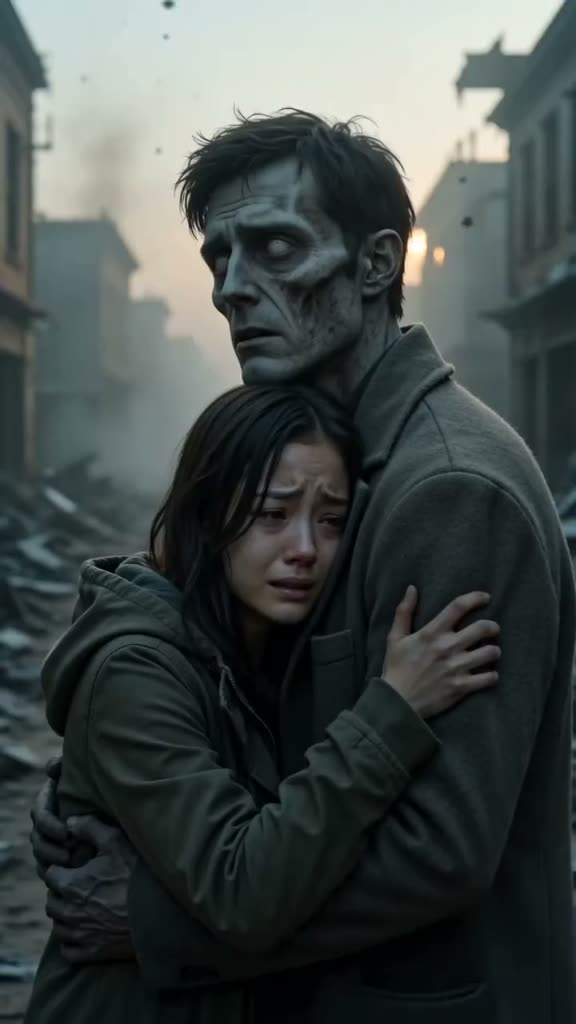
This is the prompt structure ZombieTrend AI uses for every zombie love story. Paste it into an image-to-video tool that accepts two reference photos (Dreamina, Kling, Veo and others), or skip the setup and make it on ZombieTrend AI in one go.
The prompt
Attach the survivor's photo first and the photo of the one who turns second, then paste:
Emotional 12-second post-apocalyptic short film, vertical 9:16, cinematic and realistic.
The person in image 1 is the survivor; the person in image 2 has turned into a zombie
with pale grey skin and clouded white eyes but is still clearly recognizable.
Beat 1: close-up of the survivor raising a pistol with shaking hands, tears on their face,
on a dark ruined street with smoke.
Beat 2: the zombie staggers closer, then stops and tilts its head, recognizing them.
Beat 3: the survivor lowers the gun; the zombie gently hugs them instead of biting,
and the survivor hugs back, crying.
Beat 4: hard cut to a warm sunny flashback of the same two, both healthy and human,
laughing together on a picnic blanket in a green park. Golden light, film grain, slow motion.
Keep both faces consistent. No blood, no gore, no text. Soft emotional piano score, no dialogue.
Change only the flashback
The last beat is what makes the clip yours. Swap the picnic for one of these, or your own:
- walking barefoot hand in hand on a beach at golden sunset
- laughing and hugging on a bright snowy mountain slope
- cooking noodles together in a cozy warm kitchen
- dancing together on their wedding day under string lights
- for a dog: playing fetch in a sunny park; for a cat: curled up asleep in a sunny window
Keep the other lines as they are. They fix who is who, keep the scene non-graphic and keep the faces stable.
Photo tips
- Clear, front-facing faces. Even light, the whole head in frame, no sunglasses or heavy filters.
- One person per photo. Crop group shots down to one face.
- Right order. Image 1 holds the gun. Image 2 turns, and is the healthy one in the flashback. Swapping them is the most common reason a clip feels wrong.
- Pets: shoot at eye level with both eyes visible. Clear markings help the model keep them recognisable.
Mistakes that ruin most clips
- Asking for blood or a bite. Most models refuse or blur it, and the clip loses the tenderness that makes it work.
- Two separate generations. Making the zombie scene and the flashback separately is where faces drift. One continuous clip keeps them consistent.
- Too short. Under eight seconds, one of the four beats gets cut. Twelve seconds fits all four; fifteen gives the memory more room.
Or skip the prompt
On ZombieTrend AI you upload the two photos, pick the memory and length, and see the zombie scene free before you spend anything. The finished video is a vertical MP4 with sound and no watermark. Read more about what the AI zombie trend is.